
 |
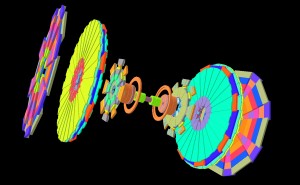
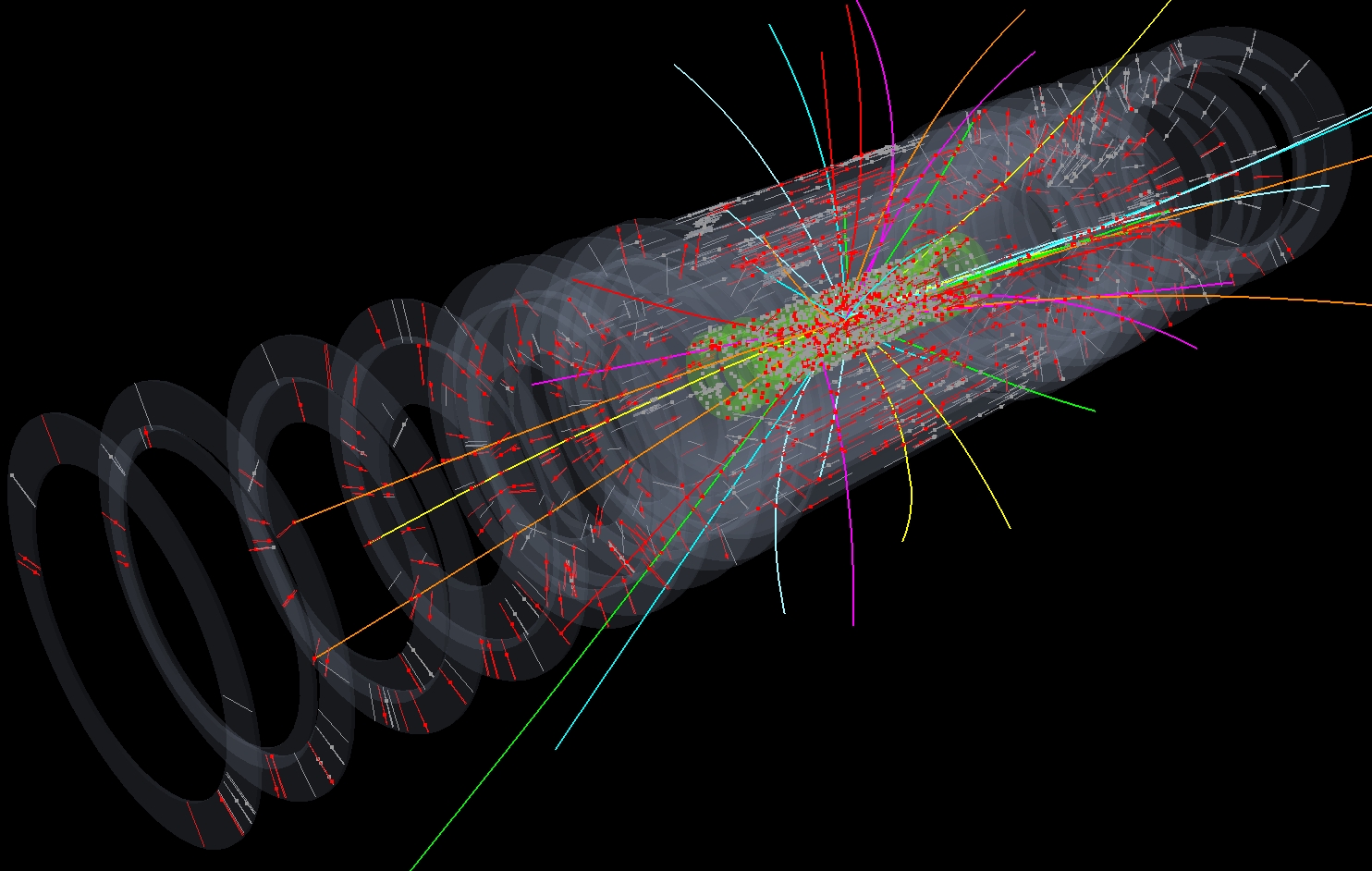
New release of GraXML can show full Atlas geometry. Description is taken from Atlantis geometry XML file. Atlantis code is also used to get R-Z projection of described elements, X-Y coordinates are calculated within GraXML.
Atlantis3d (described in another post) is now coupled with this new GraXML.
New GraXML release is available on all platforms via WebStart:

How to create pictures shown here ? The recipy:
- choose
GGeometry.xml example
- choose
JiveXML_....xml example
- switch everything off
- Atlas detector
- select everything from
GGeometry, except BarrelMuonDetector and BarrelCalorimeter
(they are too big so that they would just hide everything else)
- move scale slider to its bottom (to get full z-buffer)
- zoom-out
- choose Black background
- Inner Detector with event
- select only
BarrelSiliconDetector and EndcapSiliconDetector from GGeometry
- make in transparent (Operations: Transparency - left mouse - Operations: Transform)
- select full Event
- zoom-in
|

No comments:
Post a Comment